
Kirunakortet - Kiruna kommunresor
(Kiruna Municipal Travel) 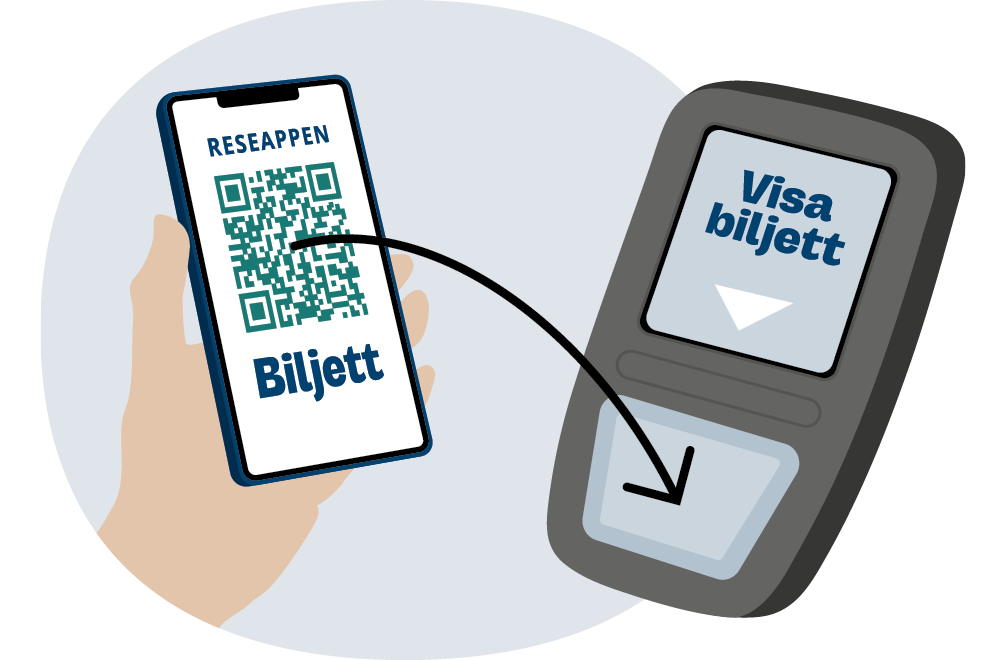
Så här fungerar Kirunakortet i appen
Nyköp av kommunresor sker i appen ’Länstrafiken Norrbotten’.
Vid resa med lokaltrafiken (ej Flygbussen)
- Blippa biljetten "Kiruna lokaltrafikresor" vid varje resa med lokaltrafiken.
- Biljetten hittar du under menyn "Biljetter".
OBS! Om du flyttar Kirunakortet från appen till ett busskort så fungerar kortet endast på lokal-trafikens bussar. Betalmedlet för att resa med Länstrafikens bussar flyttas inte till busskortet. Antal gånger för att byta bärare är begränsat per biljett.
Då blir busskortet din lokaltrafikbiljett och appen blir för resor med Länstrafiken, se nedan.
Vid resa med länstrafikens bussar inom kiruna kommun
Gäller linje 10, 50, 51, 52, 53, 91, 501, 502, 503, 505, 506, 957, 958, 959 och 976.
- Köp enkelbiljett under menyn "Sök & köp".
- Använd betalmedel "Kiruna kommunresor" och bekräfta köp.
- Aktivera biljetten innan du ska resa och blippa sen biljetten på bussen.
Om resenär saknar möjlighet att använda appen går det att besöka Kiruna Stadshus och där få Kiruna kommunresor på ett busskort.
How the Kiruna Card works in the app
New purchases of municipal travel are made in the “Länstrafiken Norrbotten” app.
When travelling with local public transport (not the Airport Bus)
- Scan the ticket “Kiruna lokaltrafikresor” for every trip on the local buses.
- You can find the ticket under the “Tickets” menu.
Note: If you transfer the Kiruna Card from the app to a physical bus card, the card will only work on the local buses. The payment method for travelling with Länstrafiken’s regional buses is not transferred to the bus card. The number of times to change carriers is limited per ticket. In this case, the bus card becomes your local bus ticket, and the app is used for regional buses—see below.
When travelling with Länstrafiken’s regional buses within Kiruna municipality
Applies to lines 10, 50, 51, 52, 53, 91, 501, 502, 503, 505, 506, 957, 958, 959 and 976.
- Purchase a single ticket under the “Search & Buy” menu.
- Use the payment method “Kiruna kommunresor” and confirm the purchase.
- Activate the ticket before you travel and then scan it on the bus.
If a traveller is unable to use the app, it is possible to visit Kiruna City Hall to have the Kiruna municipal travel ticket loaded onto a bus card.
Mina Sidor
Skapa konto och logga in